
Comprehensive Guide to Website Maintenance: Crafting Seamless Experiences
Maintaining a website is much like tending to a garden—it requires regular attention, updates, and care to ensure everything runs smoothly. A well-maintained website not only improves user experience but also enhances security and search engine rankings.

Understanding the Importance of Website Maintenance
Website maintenance is crucial for ensuring your site remains functional and secure. Regular updates prevent vulnerabilities that hackers might exploit. Additionally, a well-maintained website ensures that all features and functionalities are working as intended, which significantly improves user experience.
Beyond security and functionality, maintenance plays a vital role in SEO. Search engines favor websites that are regularly updated and free from broken links or outdated content. This means that consistent maintenance can help improve your site's ranking and visibility.
Key Elements of Effective Website Maintenance
Website maintenance involves several critical components. Here are some of the most important:
- Regular Backups: Always keep a backup of your website's data to prevent loss in case of a mishap.
- Software Updates: Ensure that your CMS, plugins, and themes are up-to-date to protect against security vulnerabilities.
- Broken Link Checks: Regularly scan your site for broken links to ensure a smooth user experience.

Creating a Maintenance Schedule
Establishing a regular maintenance schedule is crucial for keeping your website in top shape. Depending on the complexity of your site, you might need to perform certain tasks daily, weekly, or monthly.
For instance, backups and security checks might be daily tasks, while content updates and plugin checks could be done weekly. A monthly review of your website's performance metrics would also be beneficial to identify areas for improvement.
Tools and Resources for Website Maintenance
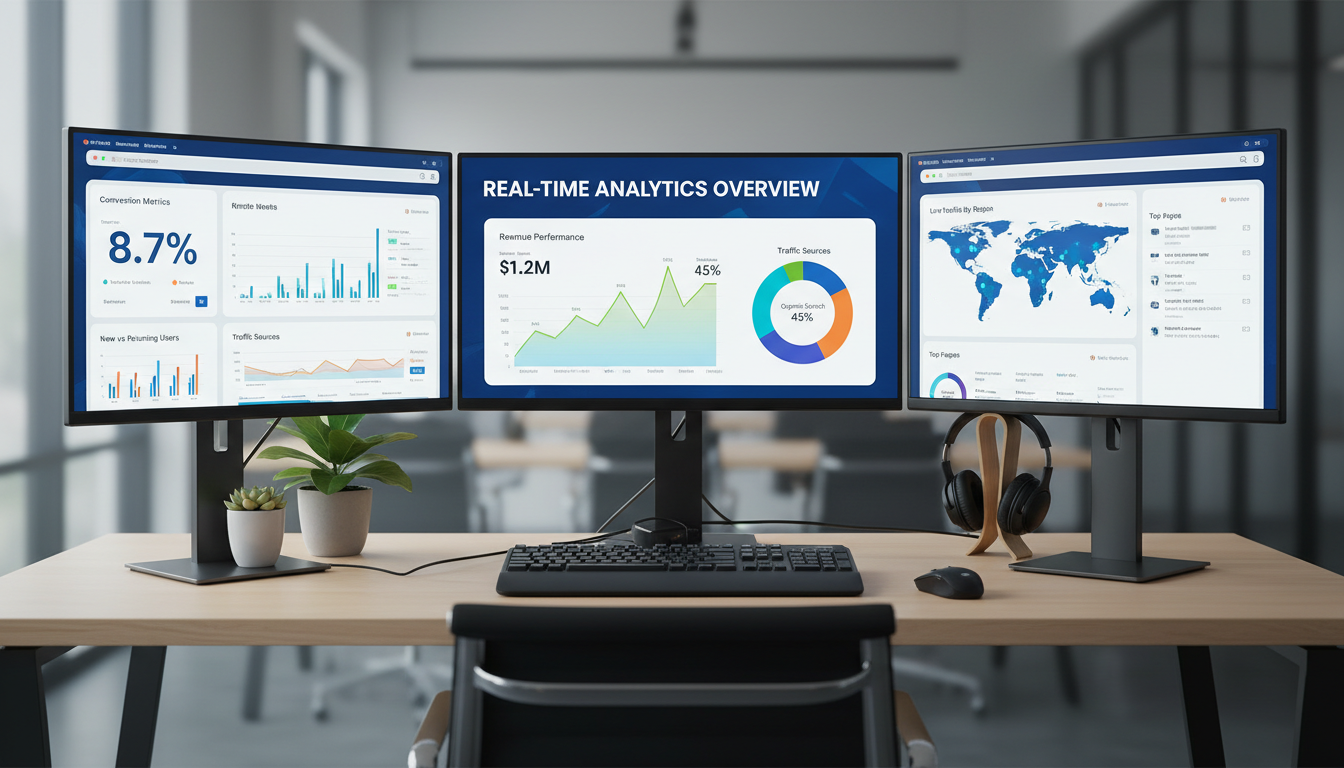
Utilizing the right tools can simplify the maintenance process. Tools like Google Analytics and Search Console can provide valuable insights into your site's performance, while plugins can automate tasks like backups and security scans.
- Google Analytics: Monitor traffic and user behavior.
- Security Plugins: Protect your site from threats.
- Backup Solutions: Ensure data integrity with automatic backups.
Enhancing User Experience Through Maintenance
User experience should be at the forefront of any maintenance strategy. Regular updates and checks ensure that your site is not only functional but also engaging and user-friendly. This involves optimizing load times, ensuring mobile compatibility, and regularly updating content to keep it fresh and relevant.
Remember, a seamless user experience can lead to increased engagement, lower bounce rates, and higher conversion rates. Thus, investing time and resources into website maintenance can yield significant returns in the long run.